 Medifix · Free on Android & iOS
Medication reminders that ring on silent.
Most reminder apps go quiet the moment your phone does. Medifix fires like an alarm clock — through silent mode, through Do Not Disturb, on any Android phone or iPhone. Free, no account, and your data never leaves the device.
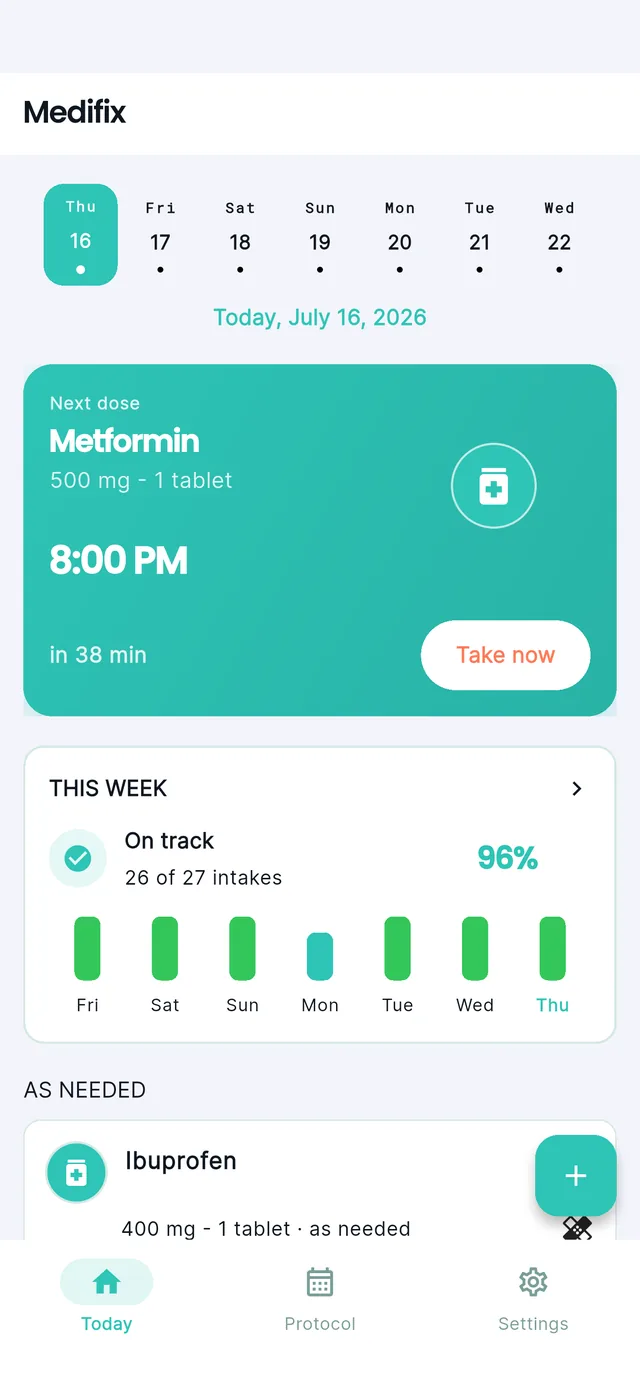
Why reminders fail exactly when they matter
A missed dose is rarely forgetfulness. It is usually a phone doing what it was told — staying quiet. Medifix is built around that one failure.
- Your phone is on silent for a meeting, and the notification arrives without a sound.
- Do Not Disturb runs overnight, so the evening and morning doses pass unnoticed.
- Aggressive battery savers on Xiaomi, Huawei or Samsung quietly kill the app in the background.
- The reminder is a banner that disappears the moment you swipe it away by reflex.
- Reminders use exact alarms and critical alerts, so they sound through silent and Do Not Disturb.
- Scheduling survives reboots, battery optimisation and force-stops.
- A dose stays open until you actually confirm it, rather than vanishing on a swipe.
- Everything runs on-device, so a bad signal never delays a reminder.
Three taps to set up, then it stays out of your way
Medifix is deliberately small. There is no onboarding funnel, no account wall, and nothing to configure before your first reminder works.
Everything you need to never miss a dose
Built for people who take medication every day and need reminders they can actually rely on.
AlarmManager, the same mechanism your alarm clock uses. On iOS it uses critical alerts, an entitlement Apple grants case by case and approved for Medifix in July 2026. The practical result is the same on both: a muted phone does not mute your medication.A calm, clear interface — built for daily use
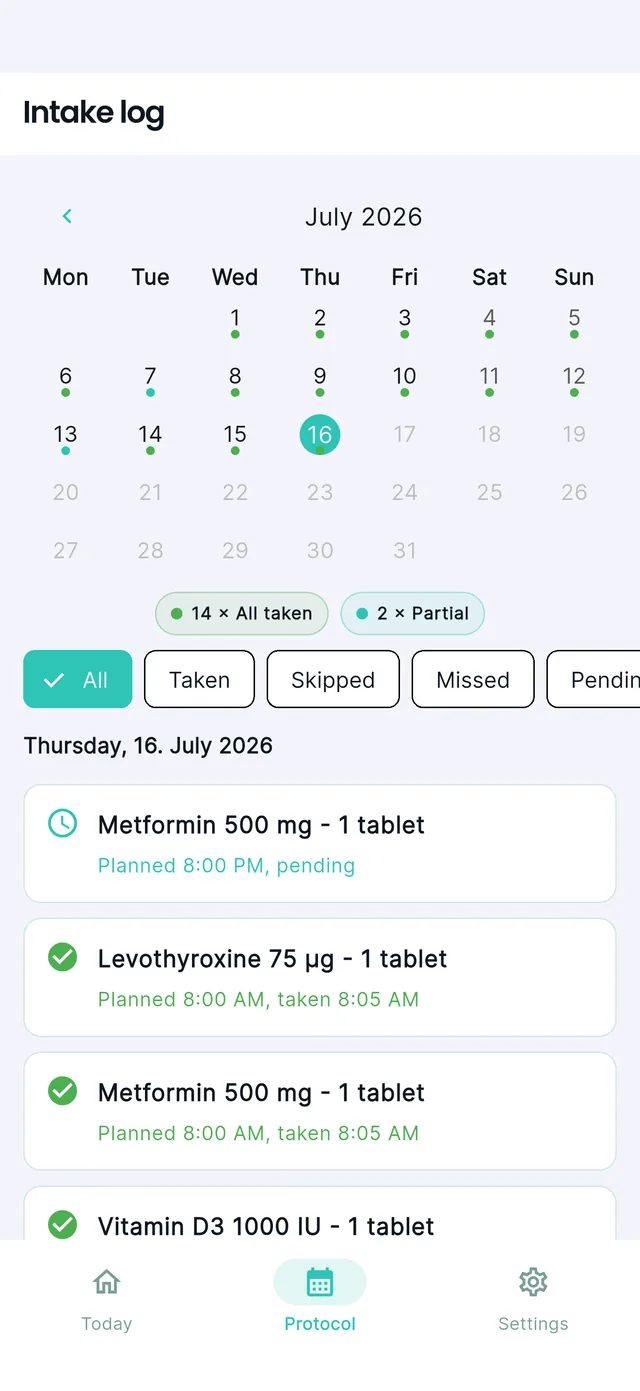
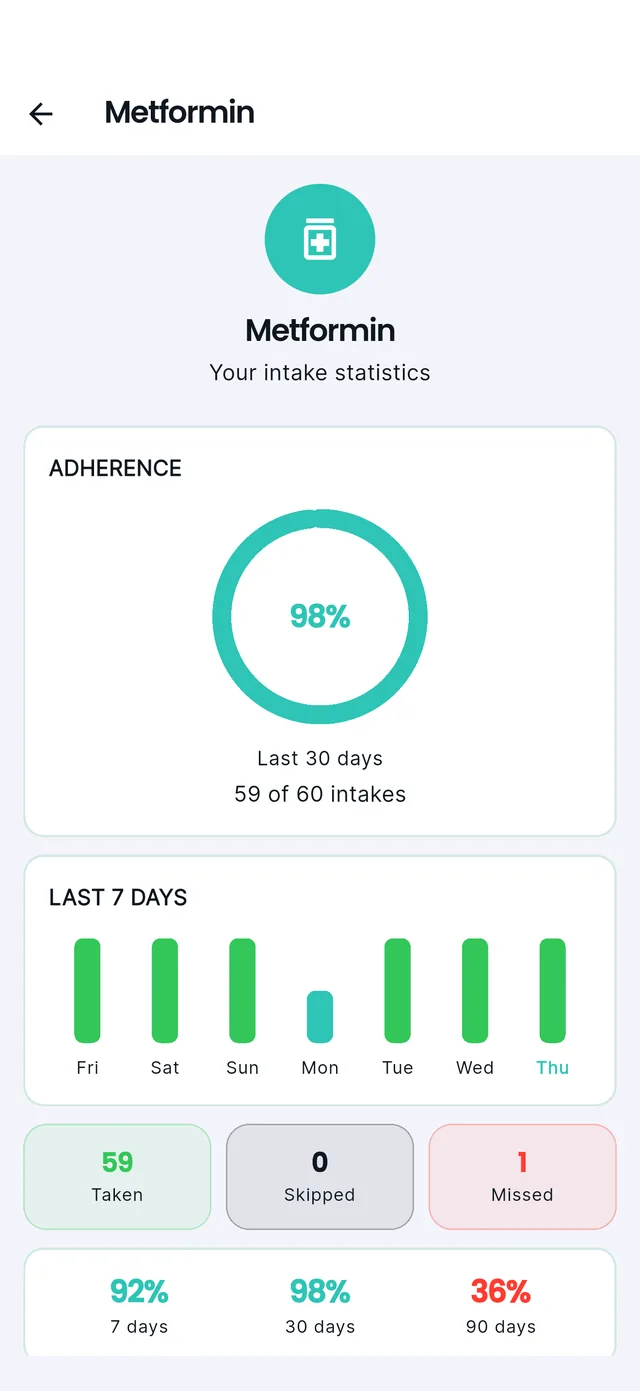
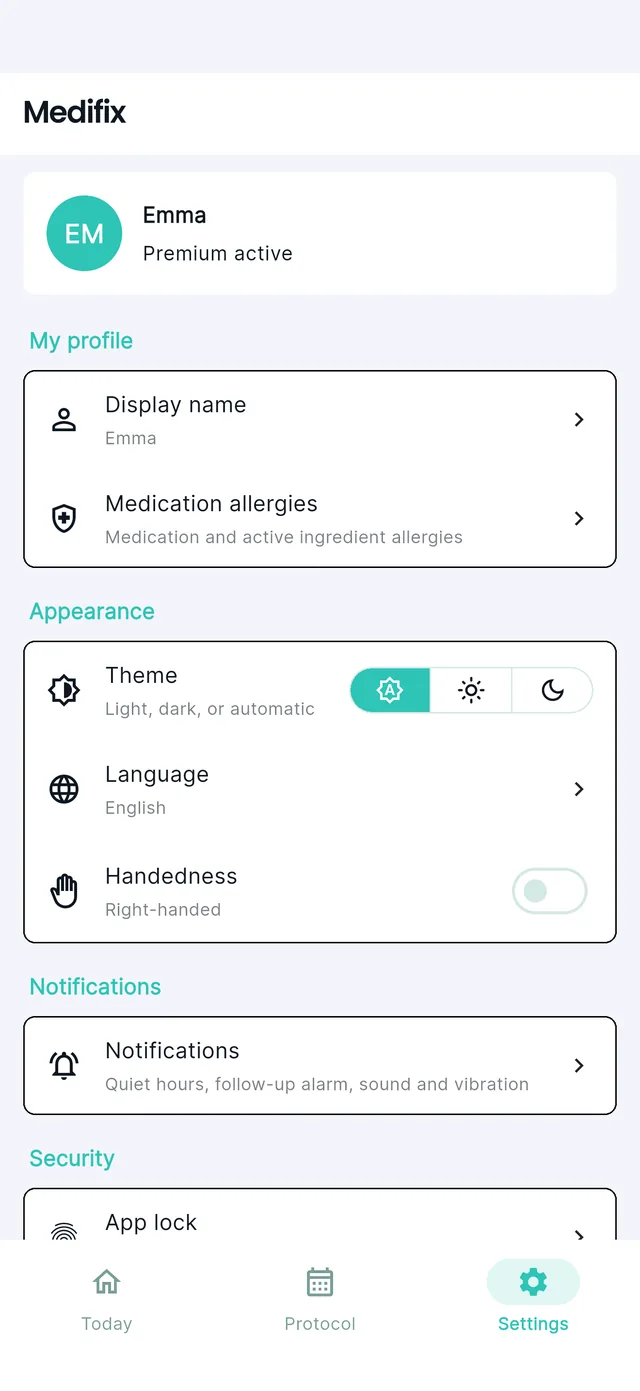
Open the app, see what to take, take it. Done.
Your data is
yours.
Medifix stores everything locally in an encrypted database on your device. No medication data is ever sent to Mintlane or any third party.
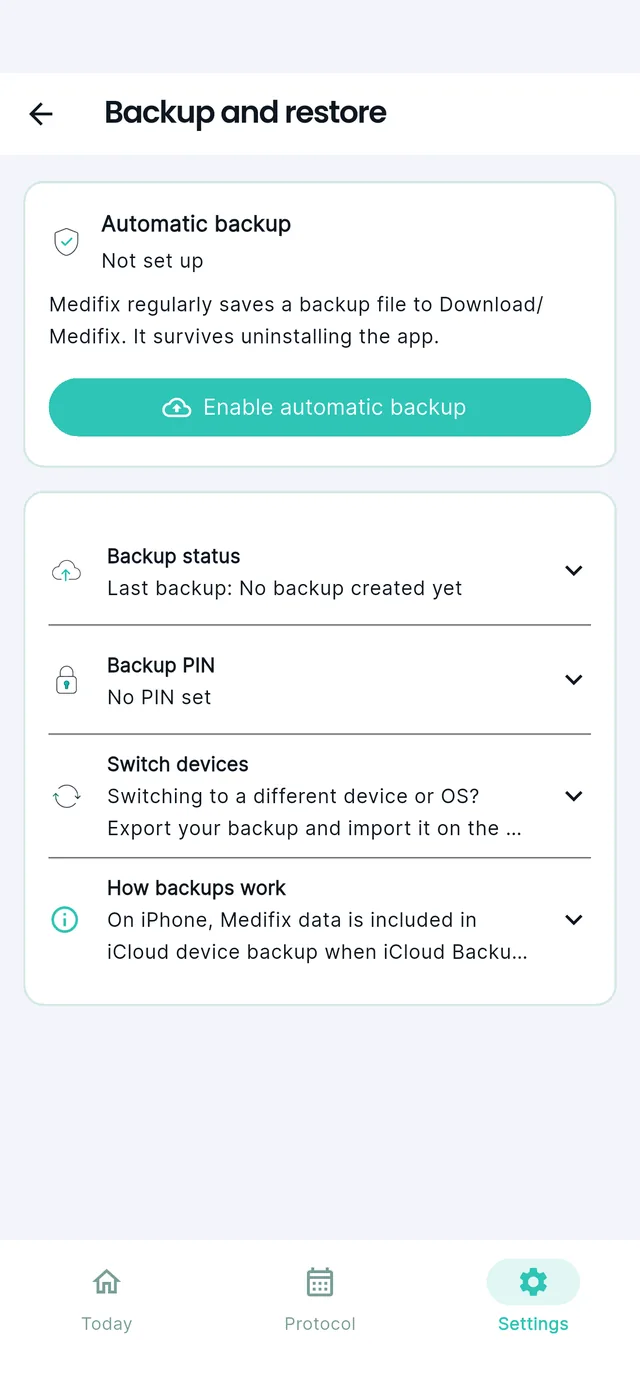
There is no cloud backup — not as an upsell, not as an option. Backups are encrypted files written to a folder on your own phone, unlocked with a PIN you choose. If you want a copy somewhere else, you move it there yourself.
The permissions Medifix asks for: notifications (for reminders), battery optimisation exemption (so the OS cannot silence them), and optionally biometrics (for app lock). That is the whole list.
Frequently asked questions
For deeper dives into specific topics, see the Medifix guides.
Is Medifix free?
Does Medifix work when my phone is on silent or Do Not Disturb?
Do I need an account or internet connection?
Where is my medication data stored? Is it private?
Is Medifix available on Google Play and the App Store?
What devices and OS versions does Medifix support?
Is there a caregiver or family sharing feature?
Does Medifix warn me about drug interactions or allergies?
What languages does Medifix support?
Is caregiver sharing free?
My medication reminder is not ringing on Android. What can I check?
Can I set up Medifix for an elderly parent?
Guides
Longer pieces on the problems behind the app: reminders that survive silent mode, what a medication list reveals, and how to share a plan without handing over an account.
Silent mode, exact alarms, battery optimisation and brand-specific app killers, as a checklist.
Read more →Why there is no general rule, where the answer is, and how to keep an honest record.
Read more →Whose phone, what to agree on, and what caregiver sharing does and costs.
Read more →Right now a due dose can only be marked taken or skipped. Neither is honest when the real answer is "not yet." A real postpone option is coming.
Read more →Medifix reminders are built to go off like an alarm, on purpose. But not every medication actually needs that — a softer, time-of-day reminder is coming for the ones that don't.
Read more →Standard push notifications go quiet when your phone does. How exact alarms on Android and critical alerts on iOS make a medication reminder ring like an alarm clock instead.
Read more →Between a note on the fridge and handing over your full account login there is a missing middle. How end-to-end encrypted, revocable caregiver sharing works.
Read more →Get Medifix
Install it and start right away. The app stays local-first and account-free.